

VedronERP · Production & BOM
Production Orders
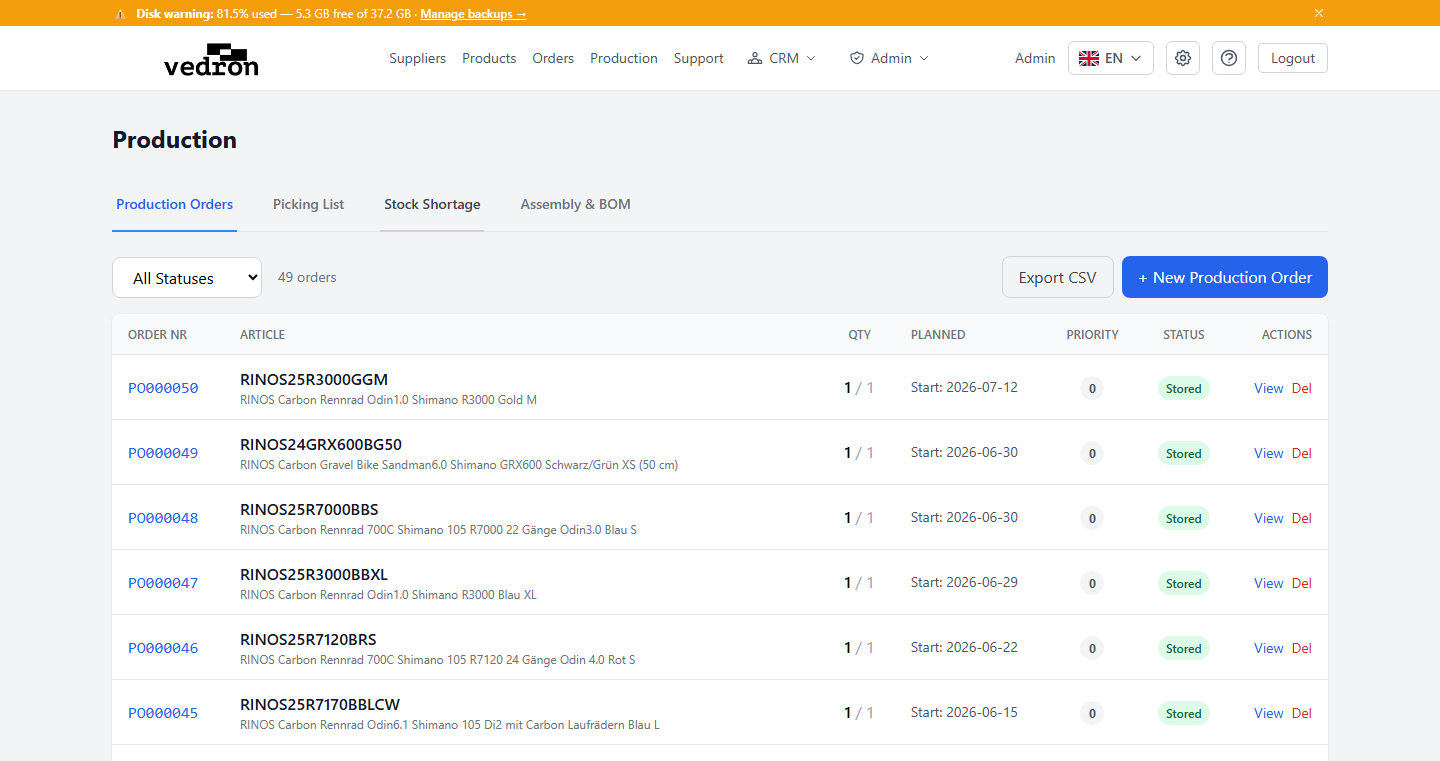
Production orders manage the manufacturing process from planning to storing finished goods.
Creating a Production Order
- Go to the Production page.
- Click "Create Production Order".
- Select the product to manufacture.
- Set the quantity to produce.
- The system pulls the Bill of Materials (BOM) for the product.
- Review the required components and their availability.
- Save the production order.
Status Workflow
- Plan — Production order is planned but not started.
- In Production — Manufacturing is underway.
- Quality Check — Finished goods are being inspected.
- Stored — Finished goods have been added to inventory.
Tip: When a production order is moved to "Stored" status, the finished products are automatically added to inventory and the component stock is deducted.