

VedronERP · Order Management
Delivery Notes
Generate delivery note PDFs for orders to include with shipments.
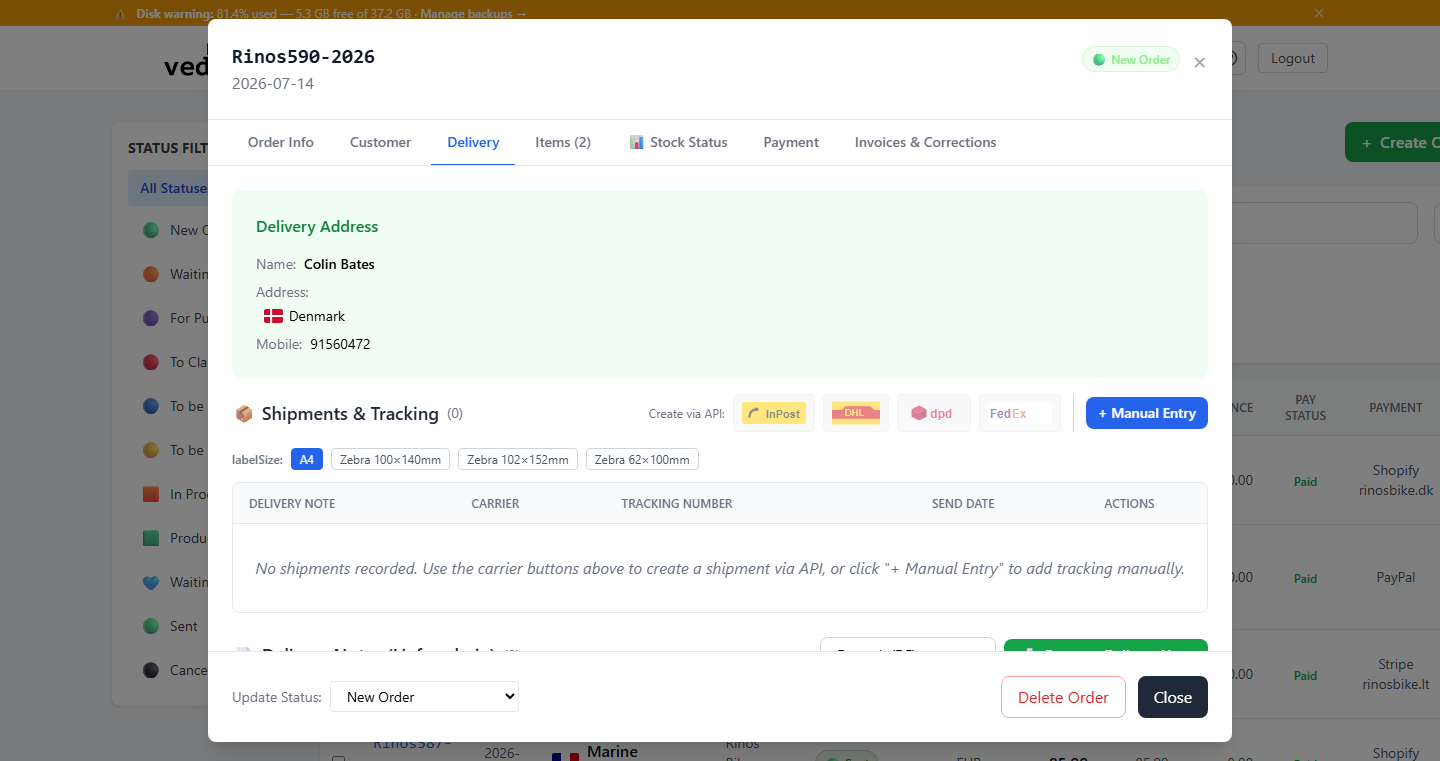
Generating a Delivery Note
- Open the order for which you need a delivery note.
- Go to the "Delivery" tab.
- Select the language from the dropdown next to "Generate Delivery Note".
- Click "Generate Delivery Note". The PDF is created and added to the list below, ready to download.
Language Selection
Delivery notes can be generated in any of the 27 EU languages to match the customer's country. This is especially useful for international shipments within the EU.
Tip: You can also email a delivery note straight to the customer from the same list, instead of downloading and attaching it yourself.