

VedronERP · Getting Started
Logging In
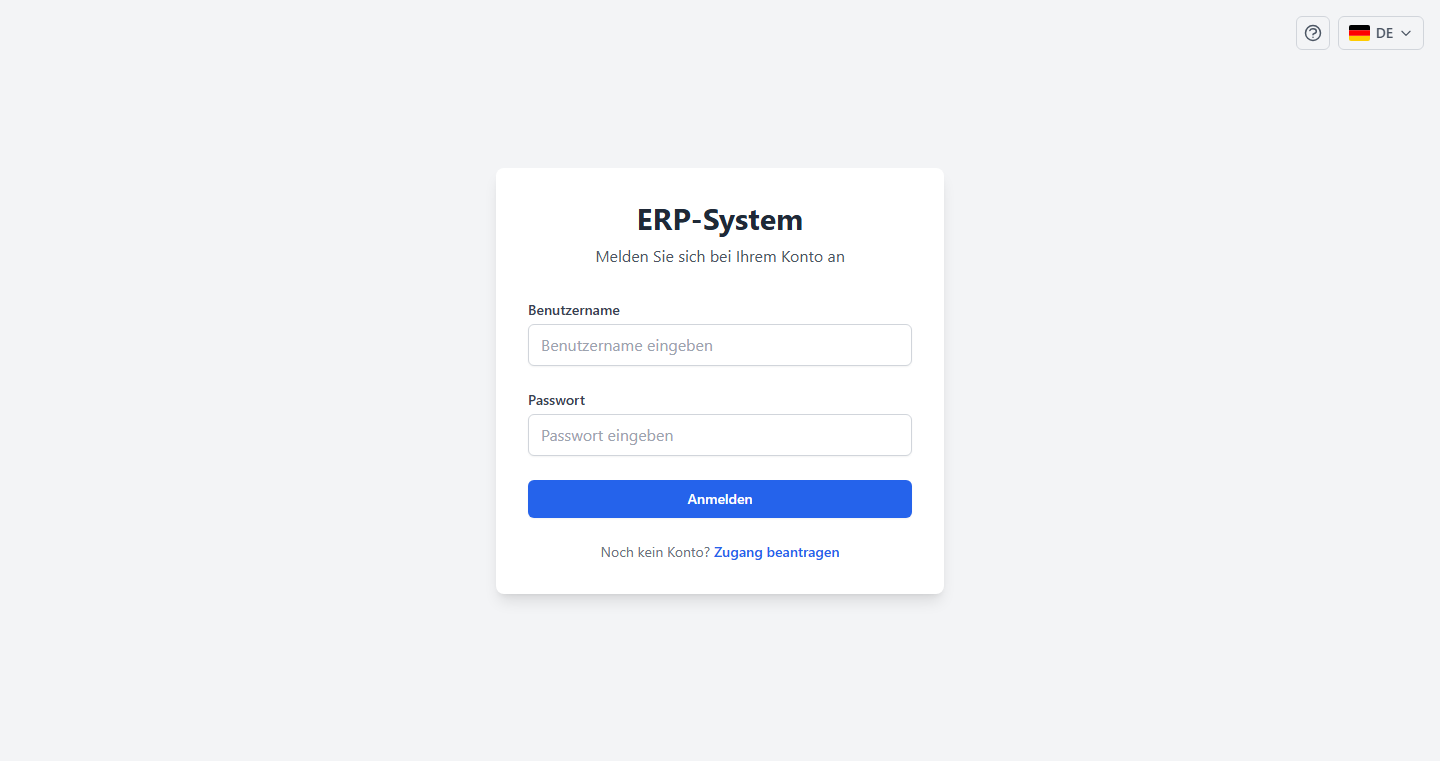
Access the ERP by navigating to the application URL in your web browser. You will be presented with a login page if you are not already authenticated.
How to Log In
- Open your web browser and navigate to the ERP application URL.
- Enter your username in the "Username" field.
- Enter your password in the "Password" field.
- Click the "Sign In" button.
Session Management
Once you're logged in, the ERP keeps you signed in automatically in the background. If your session ever expires, you'll be redirected back to the login page — just sign in again to continue.
Tip: If you experience issues logging in, clear your browser cache and try again, or contact your administrator to verify your credentials.
Logging Out
To log out, click the "Logout" button in the top-right corner of the header. This clears your session tokens and returns you to the login page.